🎉 Up to 70% Off Selected ItemsShop Sale

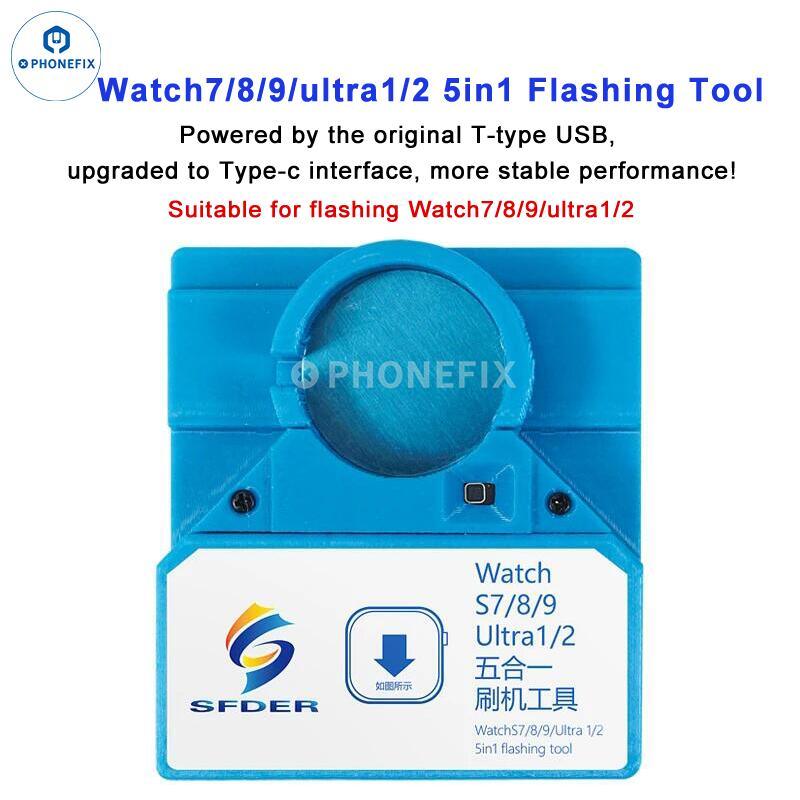
For Apple Watch Ultra 2 S9/S8/S7 Restore Upgrade Repair Tool
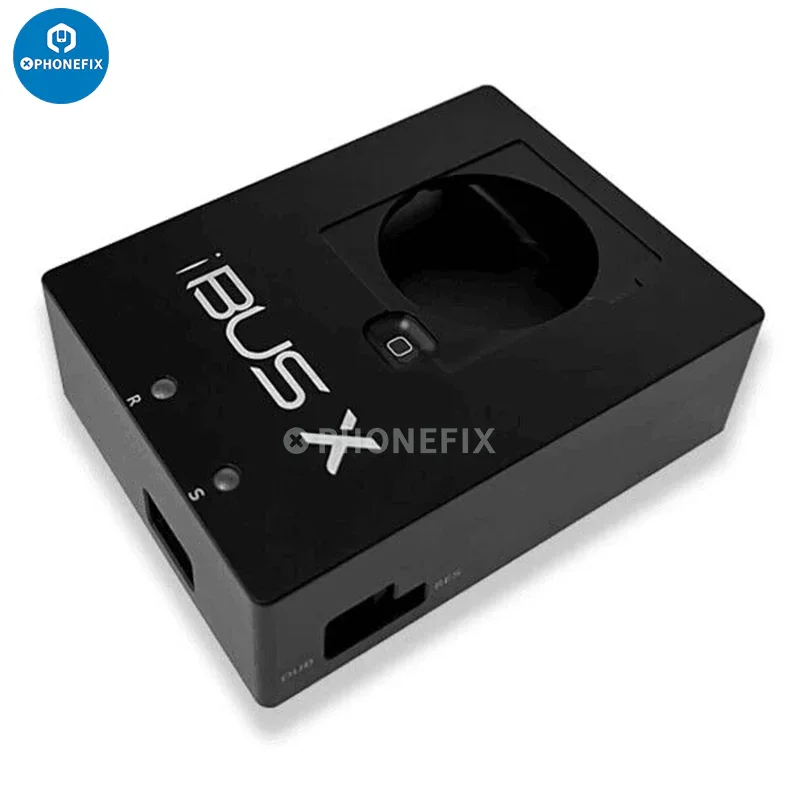
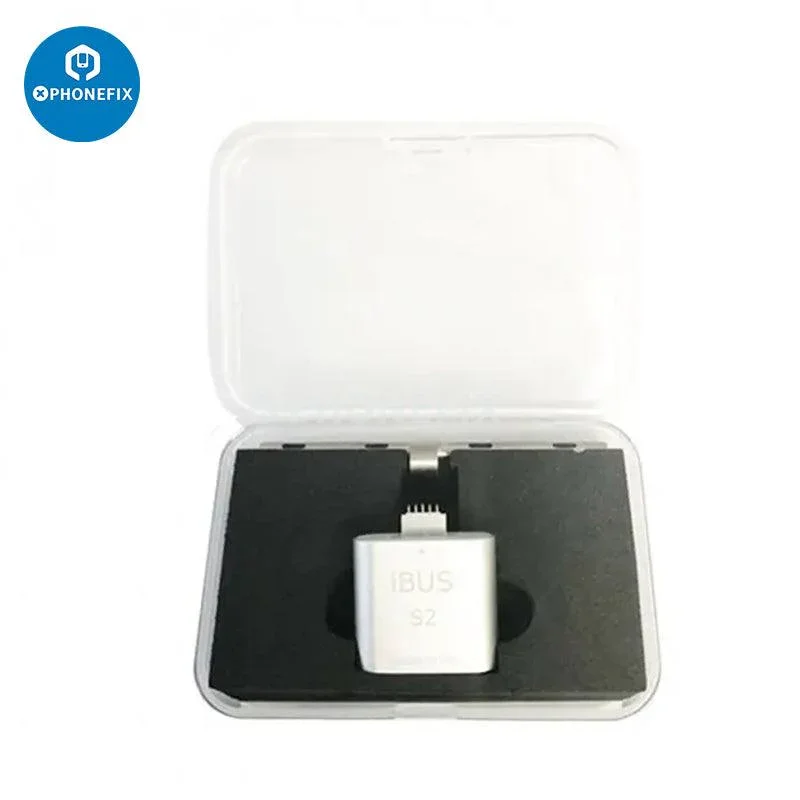
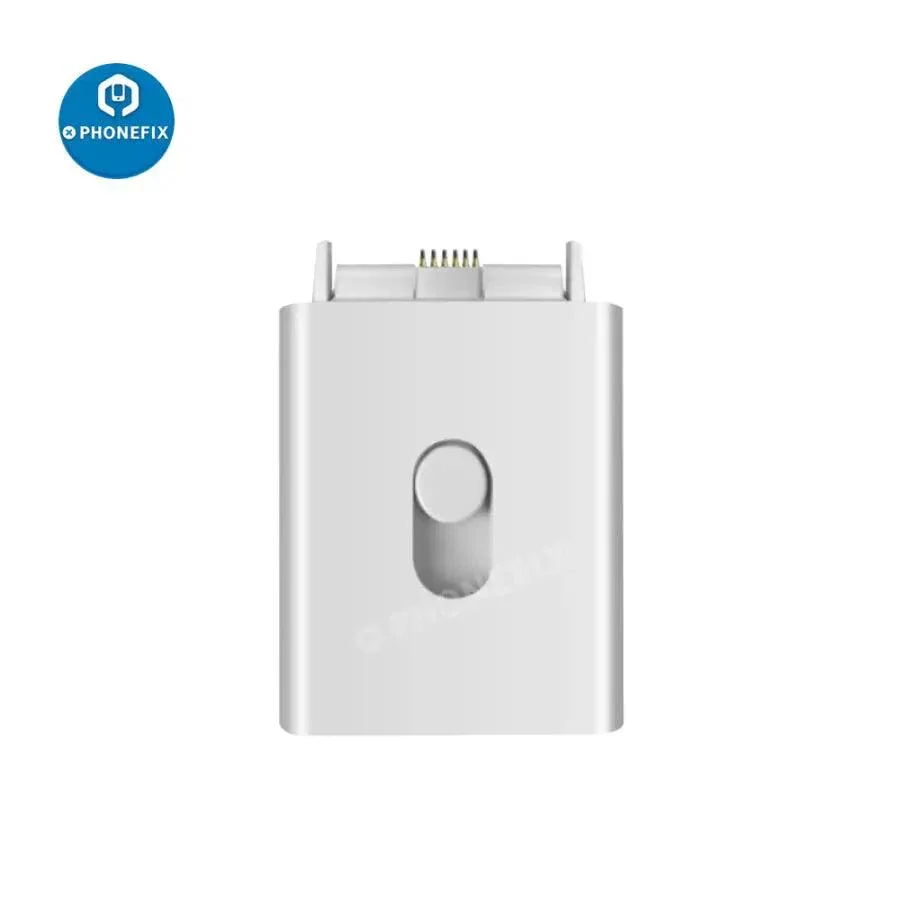
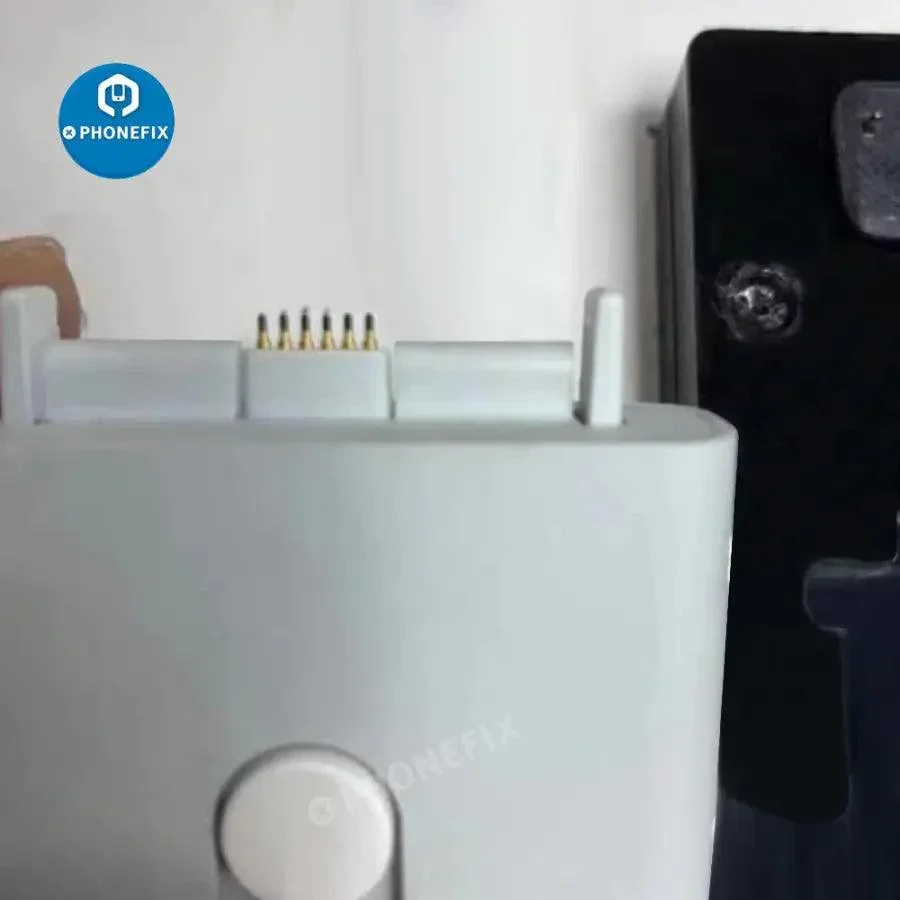
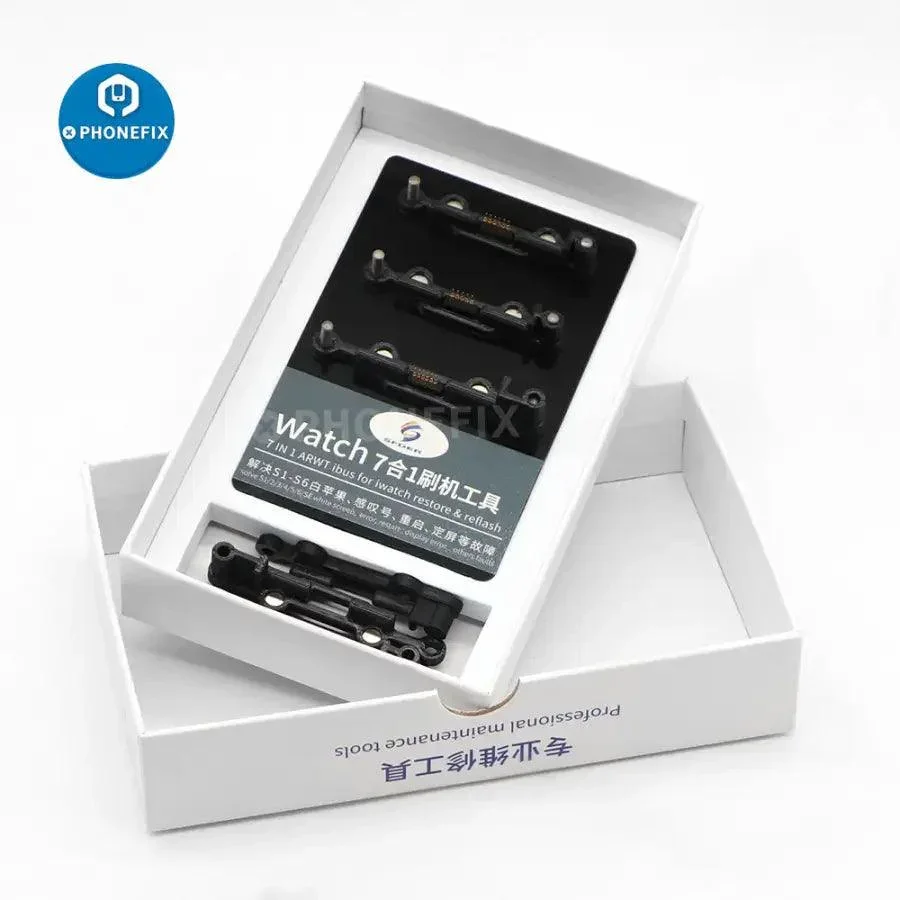
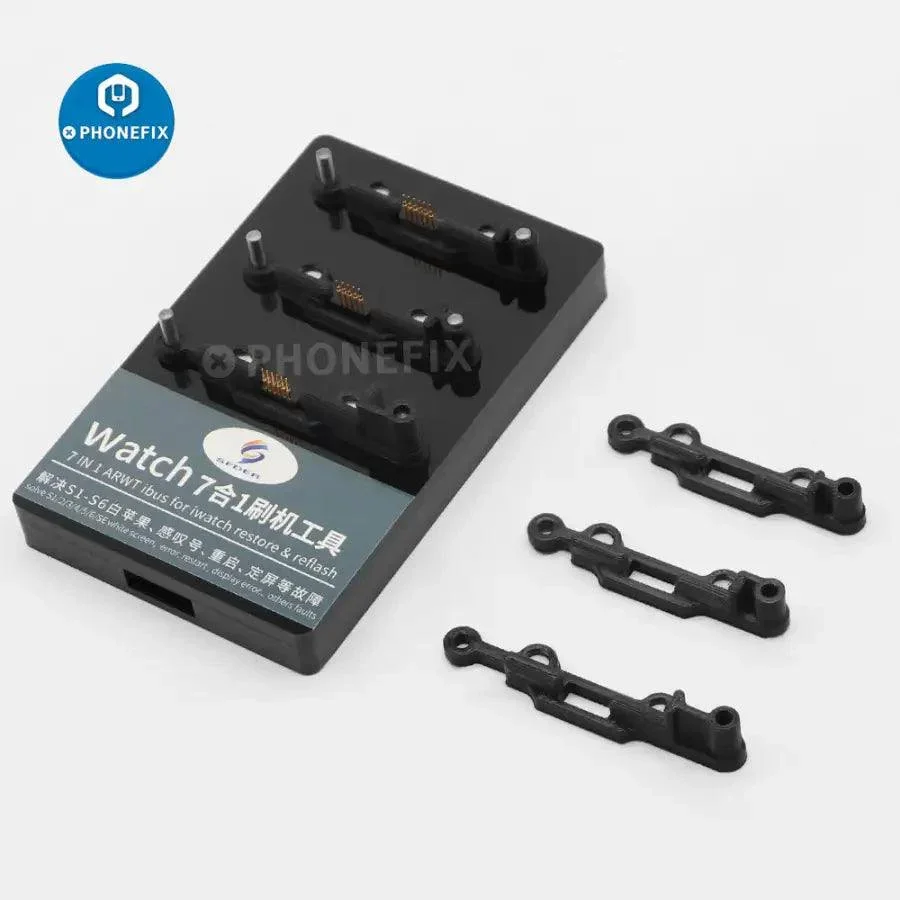
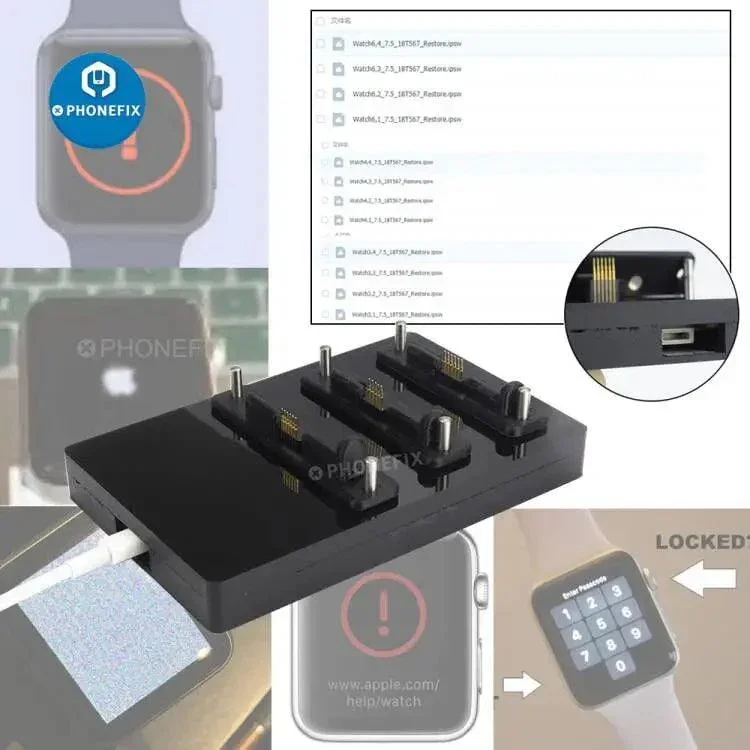
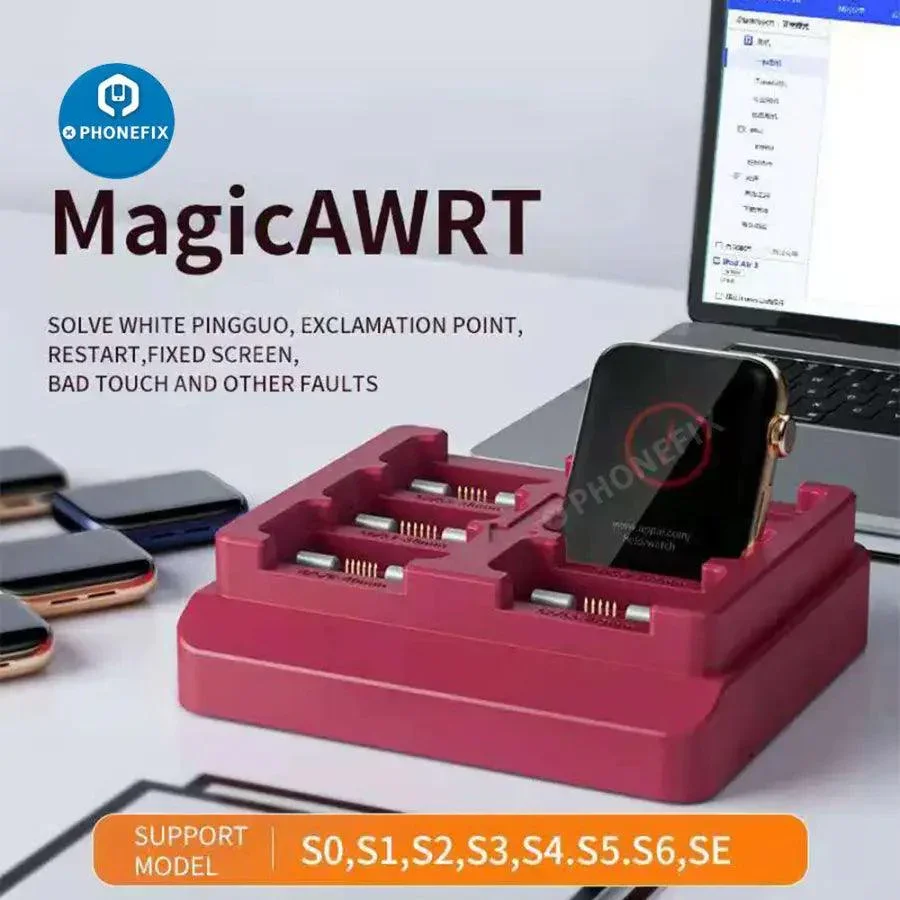
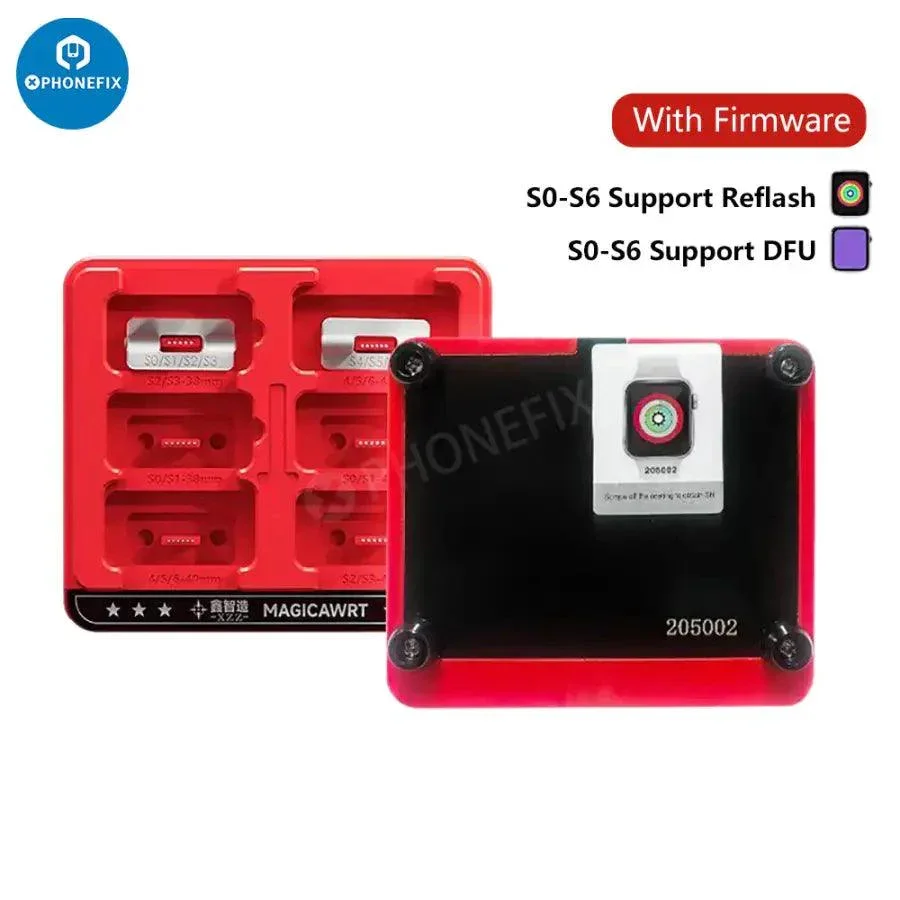
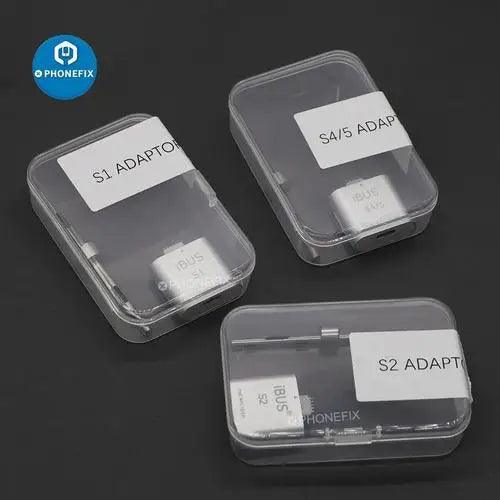
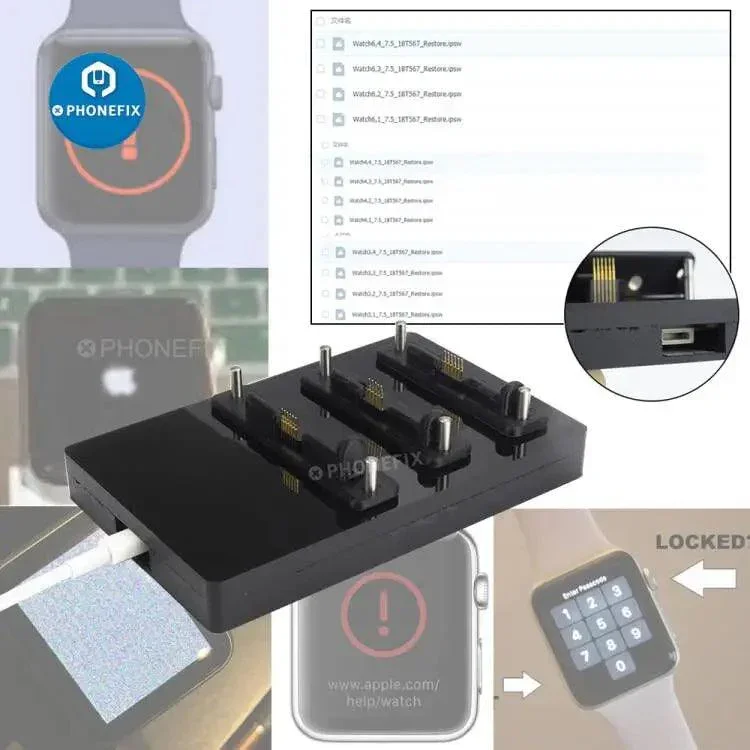
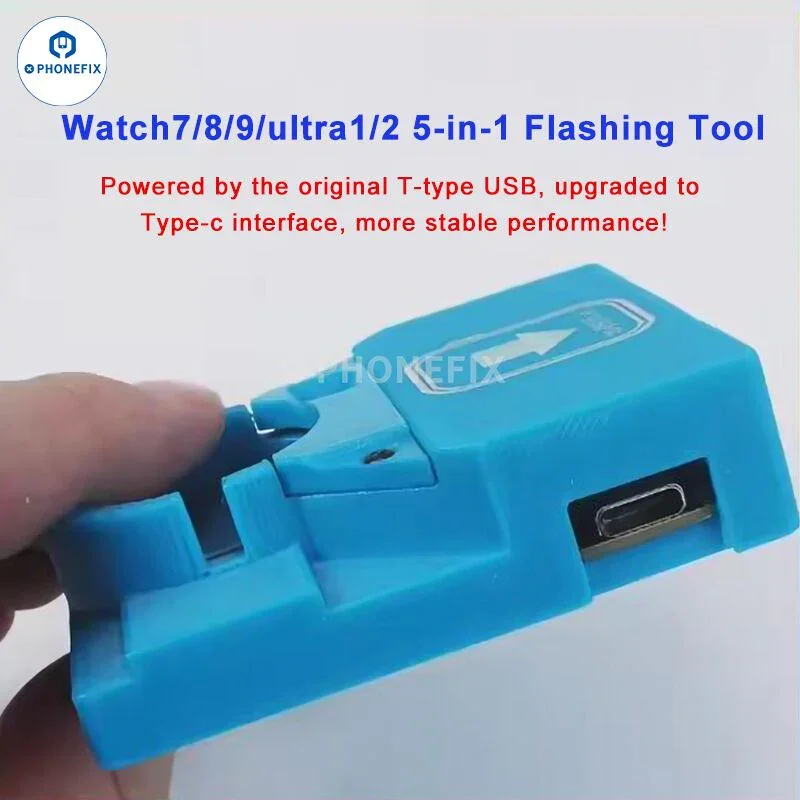
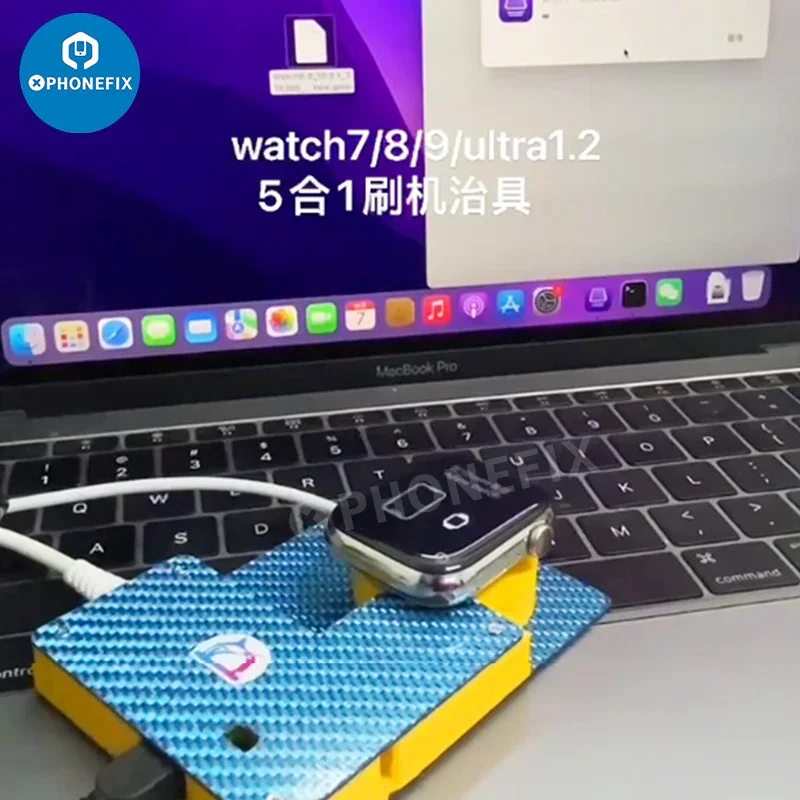
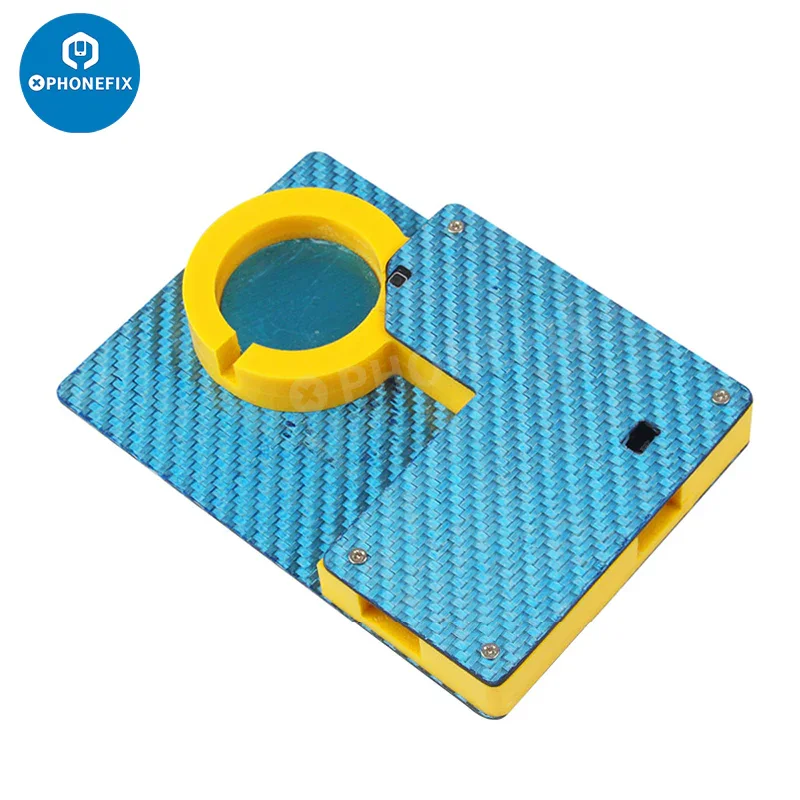
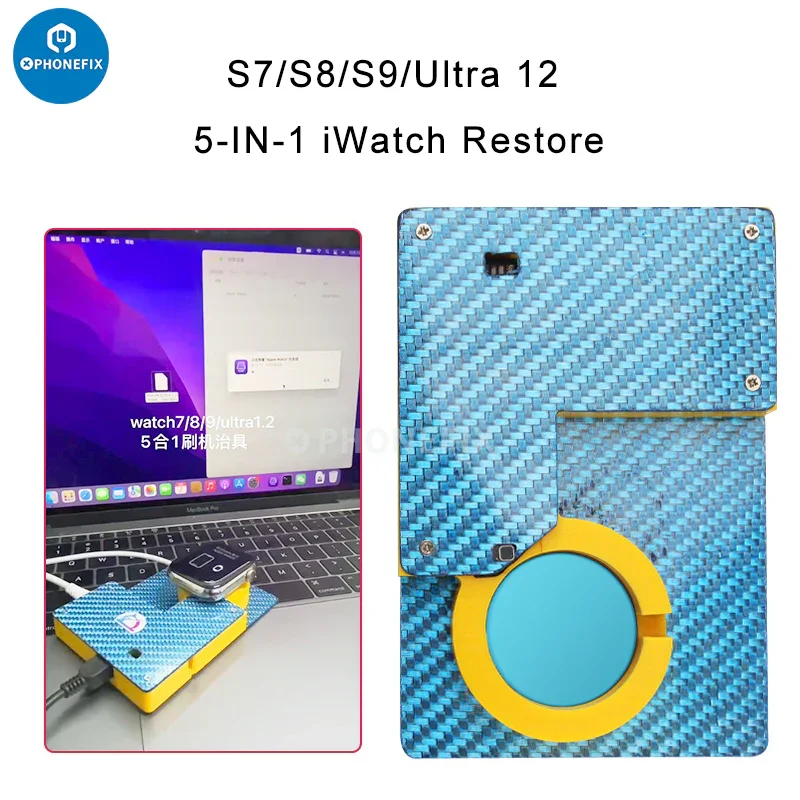
SFDER Apple Watch 5 in 1 Flashing & Recovery Tool for iWatch Series 7/8/9 Ultra 1/2. 5 in 1 iBUS X Tool - Apple Watch Restore tool. 2025 SFDER 5 in 1 Watch restore tool has upgraded its old T-type USB power supply to a Type-C interface, making its performance more stable. Used to restore functions for Apple Watch Ultra 2 S9/S8/S7. SFDER 5-in-1 watch restore repair tool compatible with Apple Watch Ultra 2/S9/S8/S7 devices Restore Upgrade Repair and so on.
Please Note(important): This item is for professionals only.
1. First of all, the computer must be an Apple computer, and the CPU must be Intel. If it is an M1, M2, or M3 computer, it will not work!
2. System: 13 system or earlier (MAC IOS13 or earlier). That is, from 11.1 to 12.6, etc., all are supported, and then the S6 driver must be installed (the driver can be obtained from customer service)
3. After installing the S6 driver, you need to restart in the Trust and Security settings of the Mac computer. You must click on the restart in it. It is useless to click the restart directly. You must click the restart in it!
4. iBUS X Tool Adapter Apple Watch Restore tool does not come with iWatch S7/S8/S9/Ultra firmware! We don't provide software or any IPSW firmware, we only provide Tools (adapter), you needs to find the software / firmware themselves.
Driver: https://drive.google.com/file/d/14pBpOhvpP5Fe6sZE2QtXx16DU28XcCP3/view?usp=drive_link
pls check: https://www.diyfixtool.com/blogs/news/free-apple-watch-s7-s8-s9-ultra-5-in-1-restore-tool-ipsw-firmware
Please Note(important): This item is for professionals only.
1. First of all, the computer must be an Apple computer, and the CPU must be Intel. If it is an M1, M2, or M3 computer, it will not work!
2. System: 13 system or earlier (MAC IOS13 or earlier). That is, from 11.1 to 12.6, etc., all are supported, and then the S6 driver must be installed (the driver can be obtained from customer service)
3. After installing the S6 driver, you need to restart in the Trust and Security settings of the Mac computer. You must click on the restart in it. It is useless to click the restart directly. You must click the restart in it!
4. iBUS X Tool Adapter Apple Watch Restore tool does not come with iWatch S7/S8/S9/Ultra firmware! We don't provide software or any IPSW firmware, we only provide Tools (adapter), you needs to find the software / firmware themselves.
Driver: https://drive.google.com/file/d/14pBpOhvpP5Fe6sZE2QtXx16DU28XcCP3/view?usp=drive_link
pls check: https://www.diyfixtool.com/blogs/news/free-apple-watch-s7-s8-s9-ultra-5-in-1-restore-tool-ipsw-firmware
$84.00
Original: $239.99
-65%For Apple Watch Ultra 2 S9/S8/S7 Restore Upgrade Repair Tool—
$239.99
$84.00More Images
For Apple Watch Ultra 2 S9/S8/S7 Restore Upgrade Repair Tool
SFDER Apple Watch 5 in 1 Flashing & Recovery Tool for iWatch Series 7/8/9 Ultra 1/2. 5 in 1 iBUS X Tool - Apple Watch Restore tool. 2025 SFDER 5 in 1 Watch restore tool has upgraded its old T-type USB power supply to a Type-C interface, making its performance more stable. Used to restore functions for Apple Watch Ultra 2 S9/S8/S7. SFDER 5-in-1 watch restore repair tool compatible with Apple Watch Ultra 2/S9/S8/S7 devices Restore Upgrade Repair and so on.
Please Note(important): This item is for professionals only.
1. First of all, the computer must be an Apple computer, and the CPU must be Intel. If it is an M1, M2, or M3 computer, it will not work!
2. System: 13 system or earlier (MAC IOS13 or earlier). That is, from 11.1 to 12.6, etc., all are supported, and then the S6 driver must be installed (the driver can be obtained from customer service)
3. After installing the S6 driver, you need to restart in the Trust and Security settings of the Mac computer. You must click on the restart in it. It is useless to click the restart directly. You must click the restart in it!
4. iBUS X Tool Adapter Apple Watch Restore tool does not come with iWatch S7/S8/S9/Ultra firmware! We don't provide software or any IPSW firmware, we only provide Tools (adapter), you needs to find the software / firmware themselves.
Driver: https://drive.google.com/file/d/14pBpOhvpP5Fe6sZE2QtXx16DU28XcCP3/view?usp=drive_link
pls check: https://www.diyfixtool.com/blogs/news/free-apple-watch-s7-s8-s9-ultra-5-in-1-restore-tool-ipsw-firmware
Please Note(important): This item is for professionals only.
1. First of all, the computer must be an Apple computer, and the CPU must be Intel. If it is an M1, M2, or M3 computer, it will not work!
2. System: 13 system or earlier (MAC IOS13 or earlier). That is, from 11.1 to 12.6, etc., all are supported, and then the S6 driver must be installed (the driver can be obtained from customer service)
3. After installing the S6 driver, you need to restart in the Trust and Security settings of the Mac computer. You must click on the restart in it. It is useless to click the restart directly. You must click the restart in it!
4. iBUS X Tool Adapter Apple Watch Restore tool does not come with iWatch S7/S8/S9/Ultra firmware! We don't provide software or any IPSW firmware, we only provide Tools (adapter), you needs to find the software / firmware themselves.
Driver: https://drive.google.com/file/d/14pBpOhvpP5Fe6sZE2QtXx16DU28XcCP3/view?usp=drive_link
pls check: https://www.diyfixtool.com/blogs/news/free-apple-watch-s7-s8-s9-ultra-5-in-1-restore-tool-ipsw-firmware
Product Information
Product Information
Shipping & Returns
Shipping & Returns
Description
SFDER Apple Watch 5 in 1 Flashing & Recovery Tool for iWatch Series 7/8/9 Ultra 1/2. 5 in 1 iBUS X Tool - Apple Watch Restore tool. 2025 SFDER 5 in 1 Watch restore tool has upgraded its old T-type USB power supply to a Type-C interface, making its performance more stable. Used to restore functions for Apple Watch Ultra 2 S9/S8/S7. SFDER 5-in-1 watch restore repair tool compatible with Apple Watch Ultra 2/S9/S8/S7 devices Restore Upgrade Repair and so on.
Please Note(important): This item is for professionals only.
1. First of all, the computer must be an Apple computer, and the CPU must be Intel. If it is an M1, M2, or M3 computer, it will not work!
2. System: 13 system or earlier (MAC IOS13 or earlier). That is, from 11.1 to 12.6, etc., all are supported, and then the S6 driver must be installed (the driver can be obtained from customer service)
3. After installing the S6 driver, you need to restart in the Trust and Security settings of the Mac computer. You must click on the restart in it. It is useless to click the restart directly. You must click the restart in it!
4. iBUS X Tool Adapter Apple Watch Restore tool does not come with iWatch S7/S8/S9/Ultra firmware! We don't provide software or any IPSW firmware, we only provide Tools (adapter), you needs to find the software / firmware themselves.
Driver: https://drive.google.com/file/d/14pBpOhvpP5Fe6sZE2QtXx16DU28XcCP3/view?usp=drive_link
pls check: https://www.diyfixtool.com/blogs/news/free-apple-watch-s7-s8-s9-ultra-5-in-1-restore-tool-ipsw-firmware
Please Note(important): This item is for professionals only.
1. First of all, the computer must be an Apple computer, and the CPU must be Intel. If it is an M1, M2, or M3 computer, it will not work!
2. System: 13 system or earlier (MAC IOS13 or earlier). That is, from 11.1 to 12.6, etc., all are supported, and then the S6 driver must be installed (the driver can be obtained from customer service)
3. After installing the S6 driver, you need to restart in the Trust and Security settings of the Mac computer. You must click on the restart in it. It is useless to click the restart directly. You must click the restart in it!
4. iBUS X Tool Adapter Apple Watch Restore tool does not come with iWatch S7/S8/S9/Ultra firmware! We don't provide software or any IPSW firmware, we only provide Tools (adapter), you needs to find the software / firmware themselves.
Driver: https://drive.google.com/file/d/14pBpOhvpP5Fe6sZE2QtXx16DU28XcCP3/view?usp=drive_link
pls check: https://www.diyfixtool.com/blogs/news/free-apple-watch-s7-s8-s9-ultra-5-in-1-restore-tool-ipsw-firmware