JCID iPhone 12-15 Self-Diagnostic Battery No Original FPC Transfer
Features:
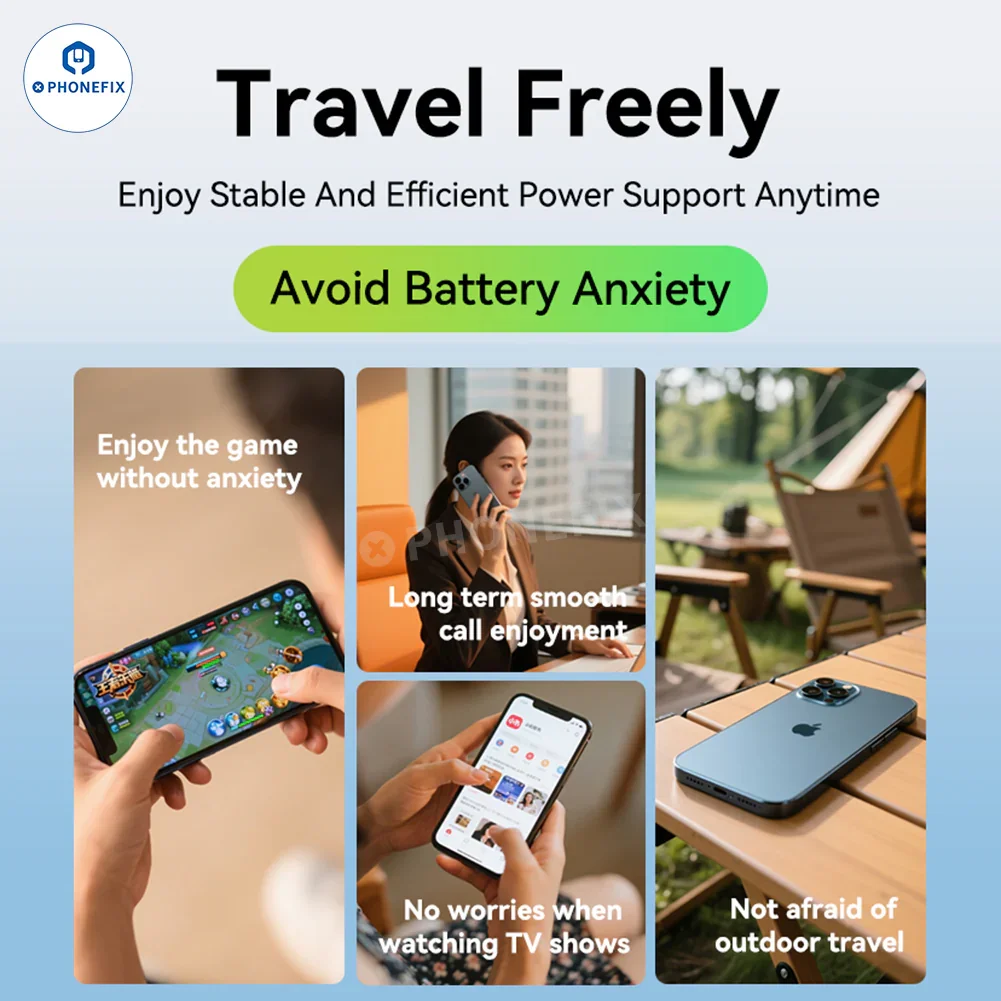
1. Travel freely and enjoy stable and efficient power support at any time. Say goodbye to battery anxiety, enjoy games without worries, make calls for a long time, and watch TV shows without worries.
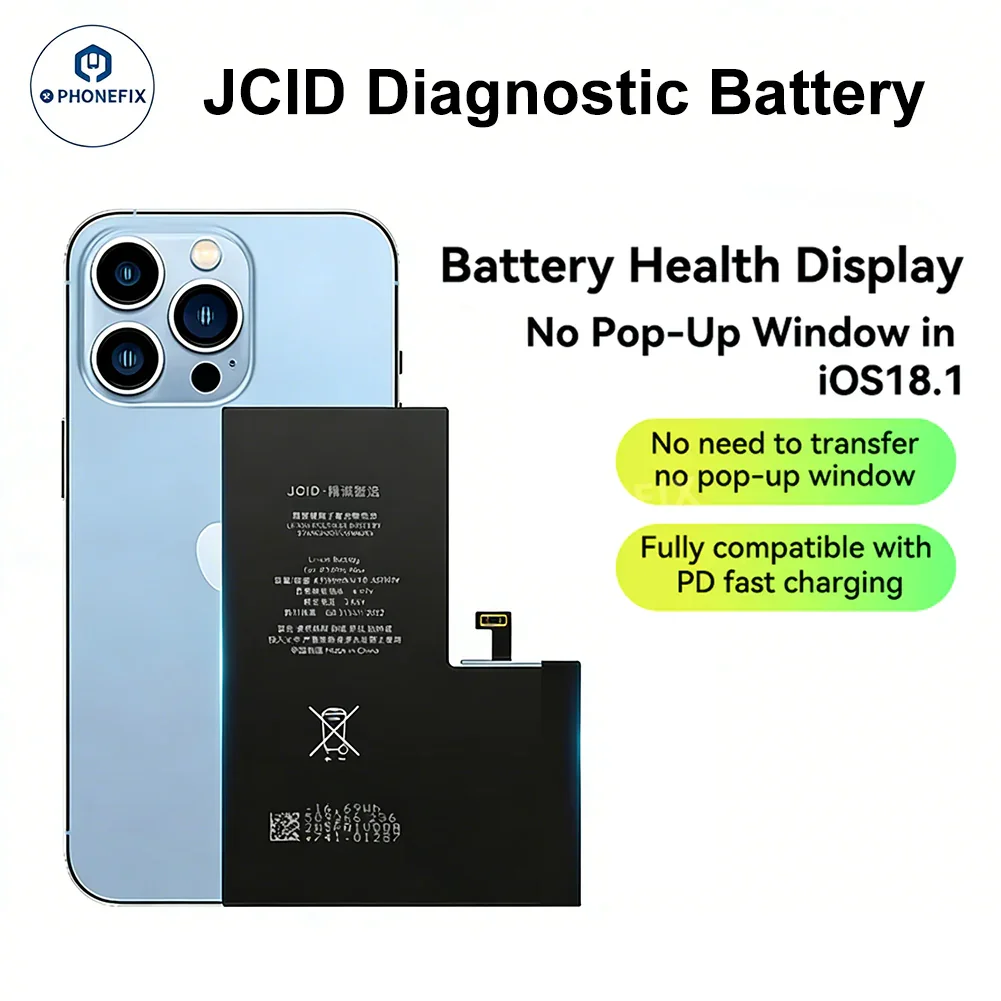
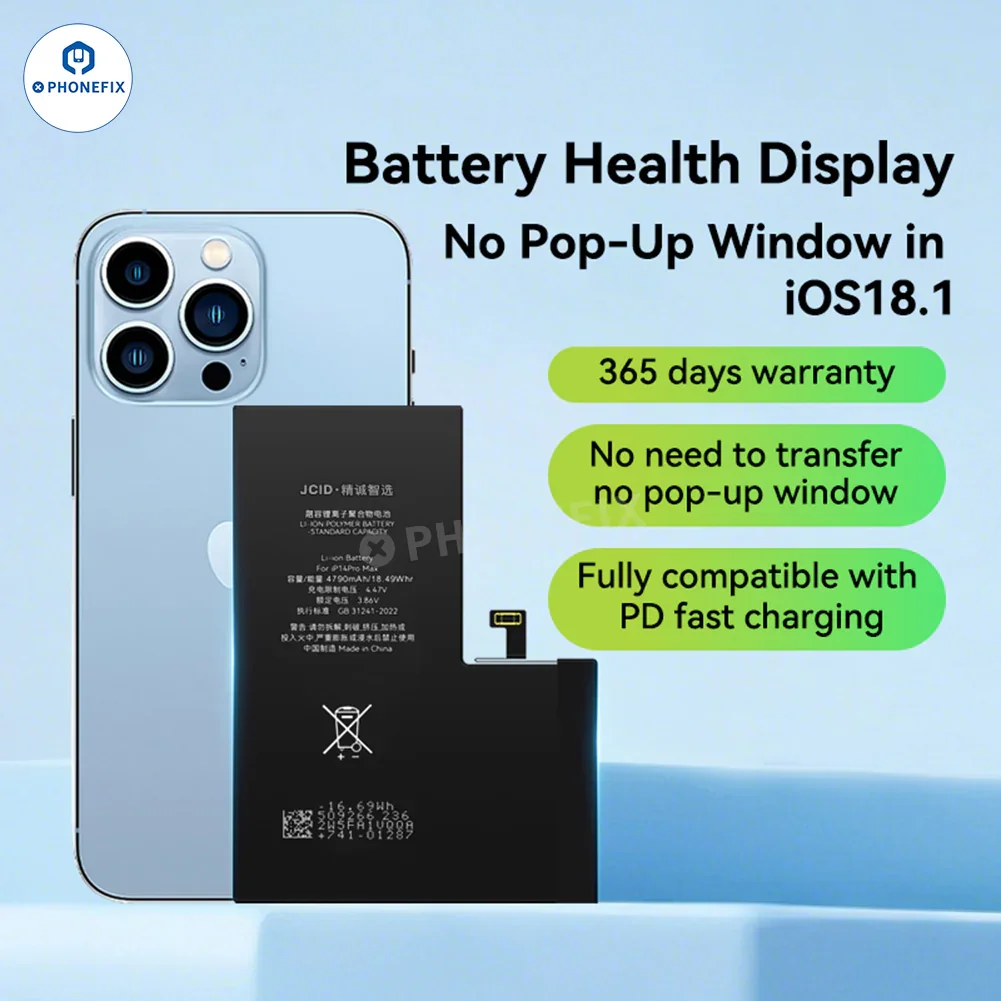
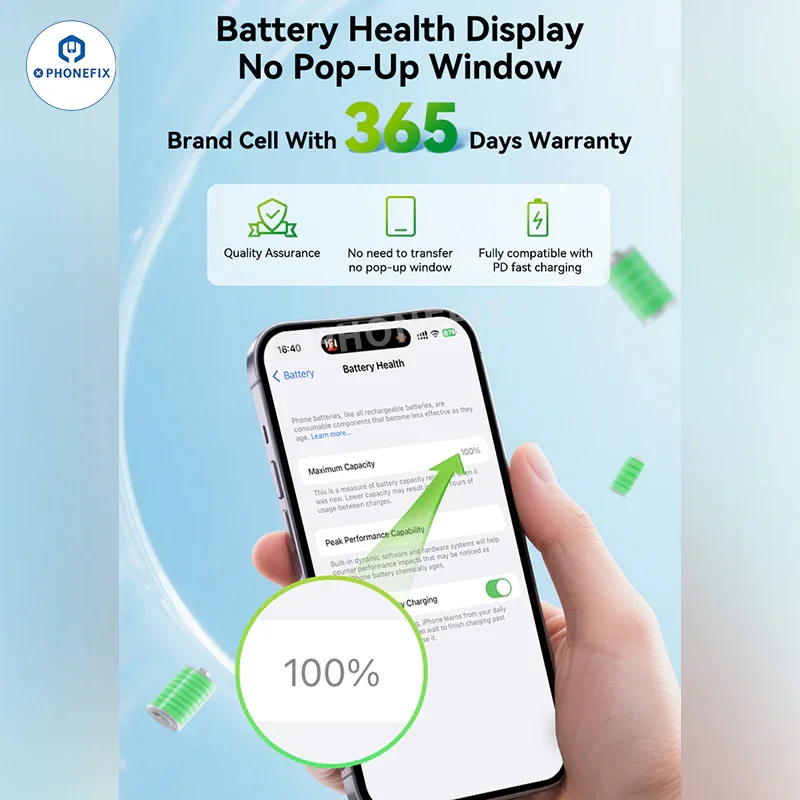
2. Battery health display, no pop-up window, 365-day warranty for branded batteries. Quality assurance, no adapter required, no pop-up window, and full support for PD fast charging.
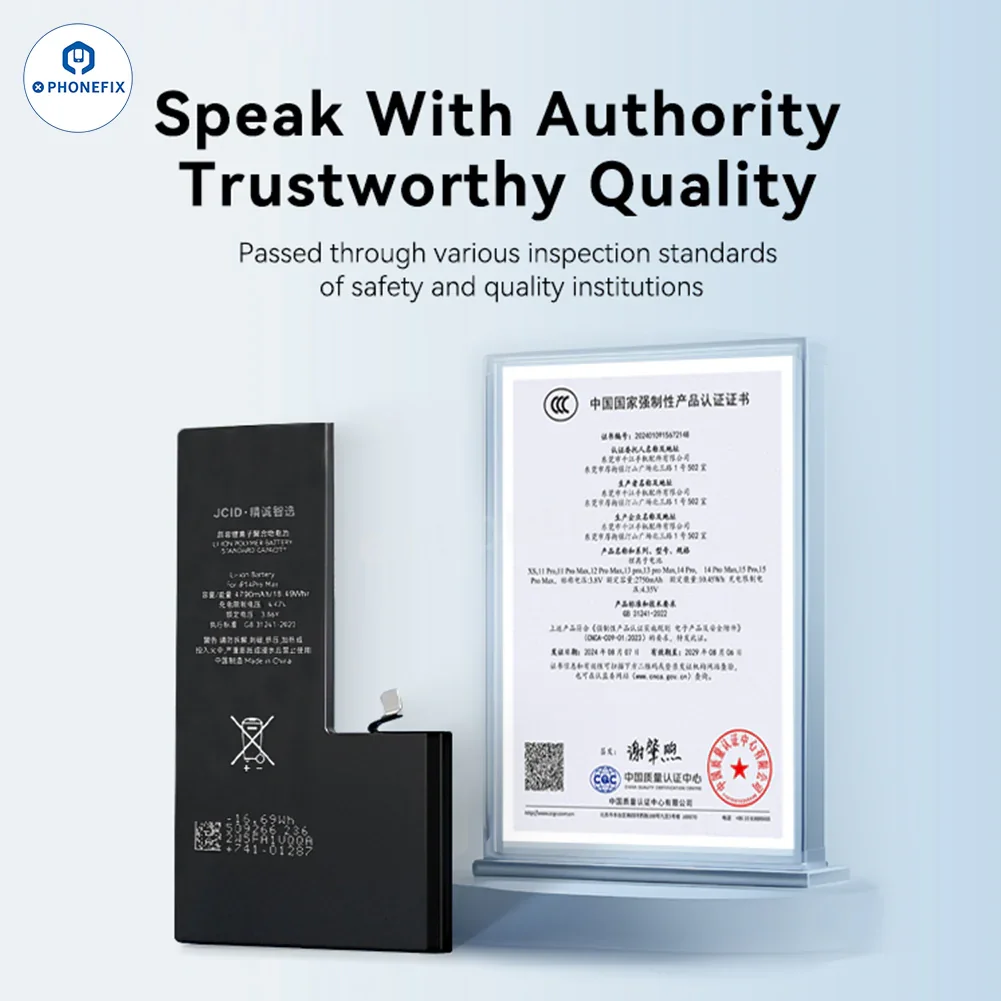
3. Speak With Authority, Trustworthy Quality Passed through various inspection standards of safety and quality institutions.
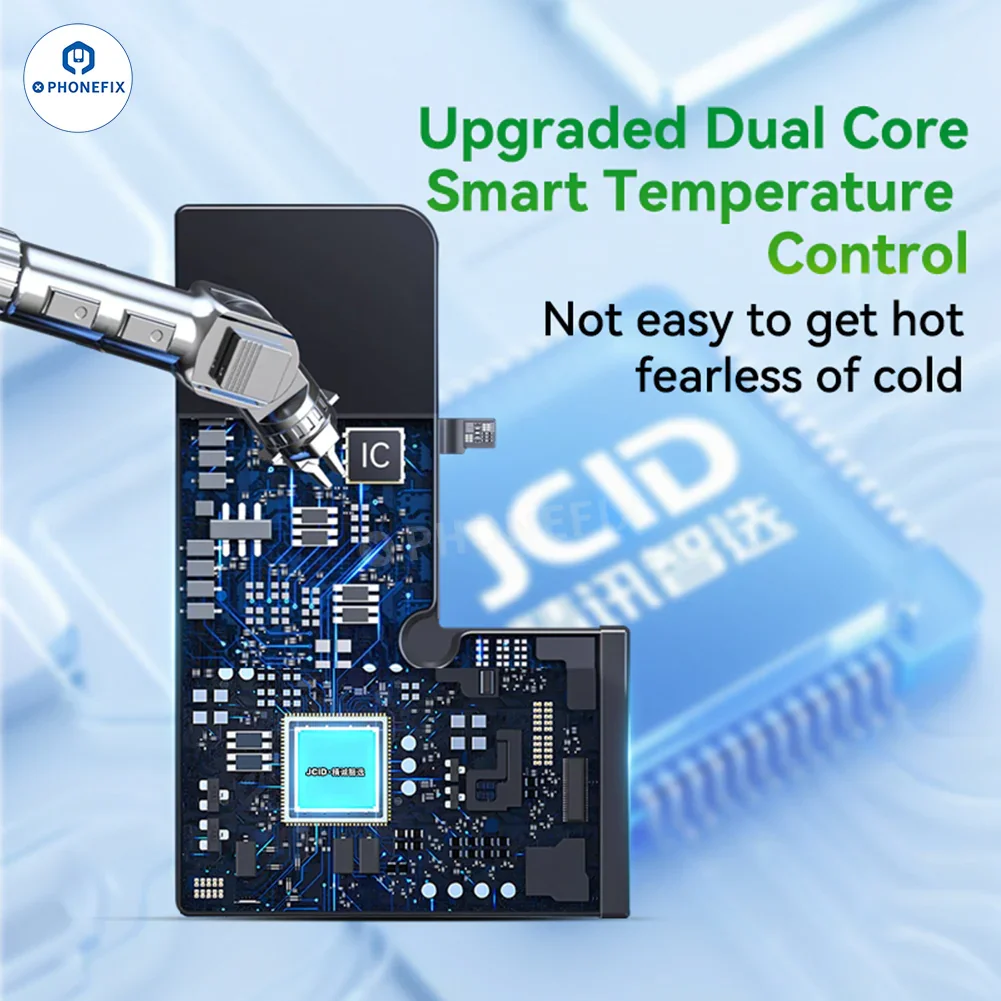
4. Upgraded dual-core intelligent temperature control, not easy to heat up, no fear of severe cold.
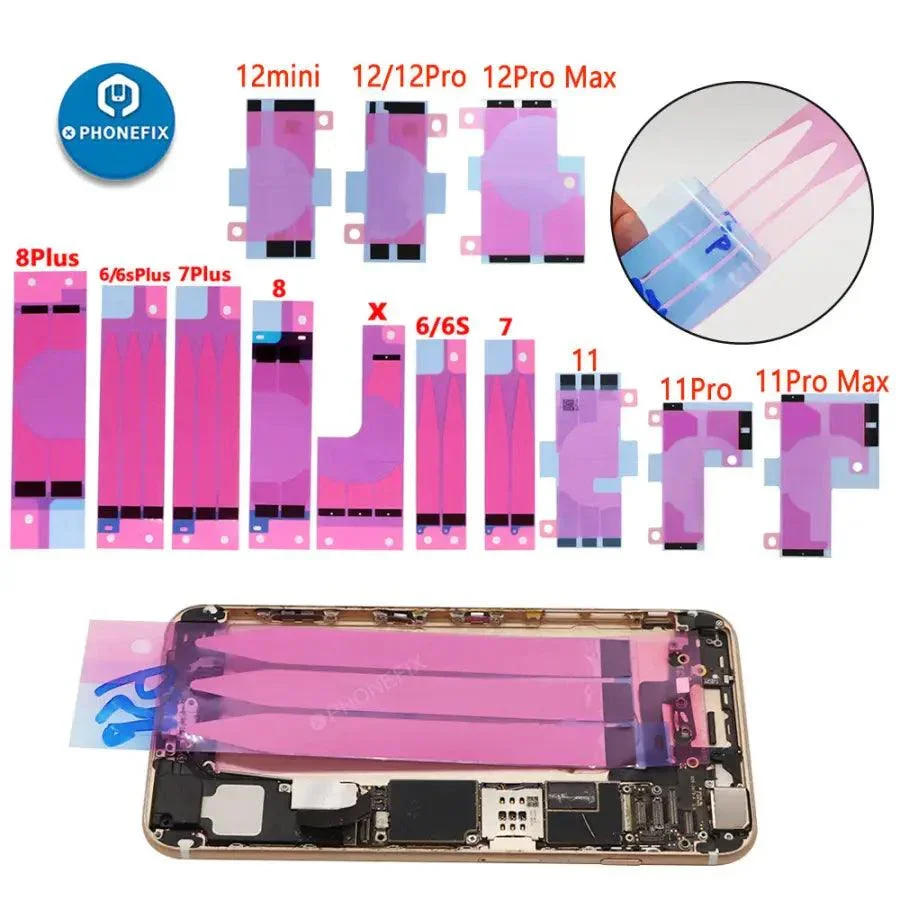
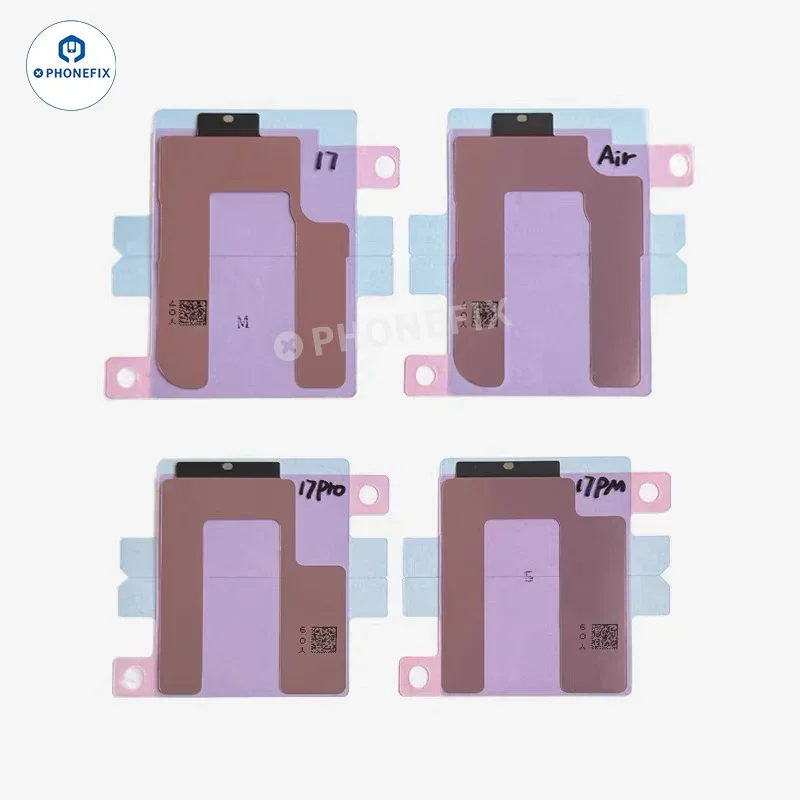
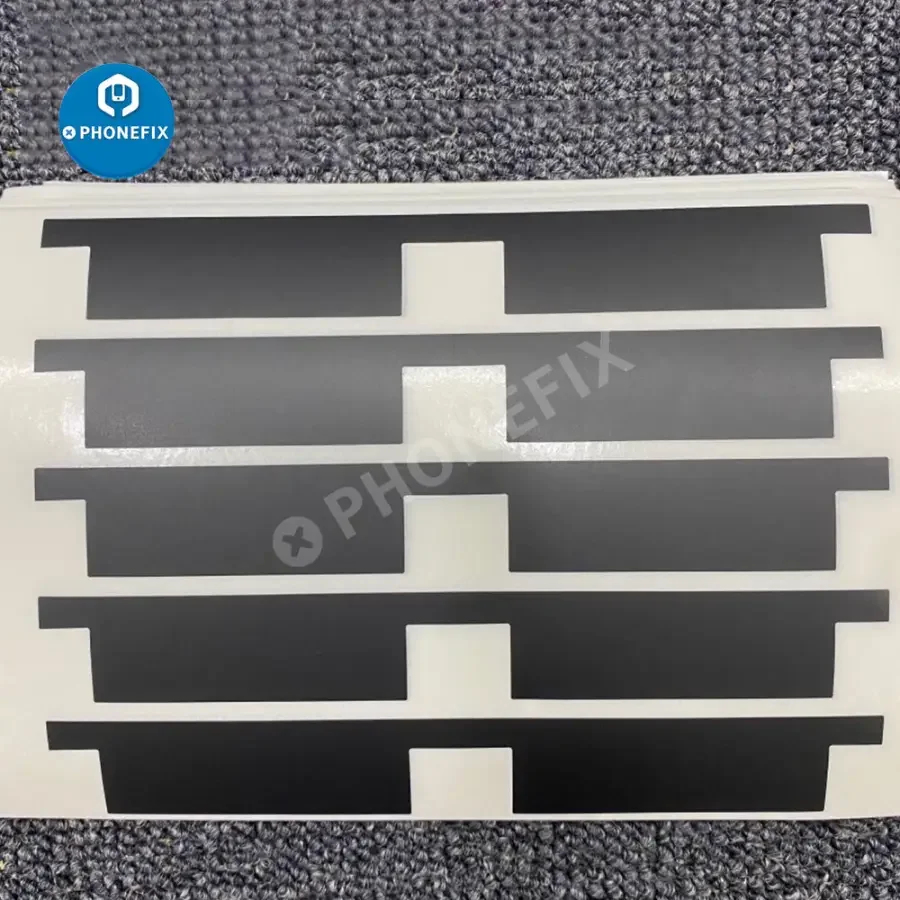
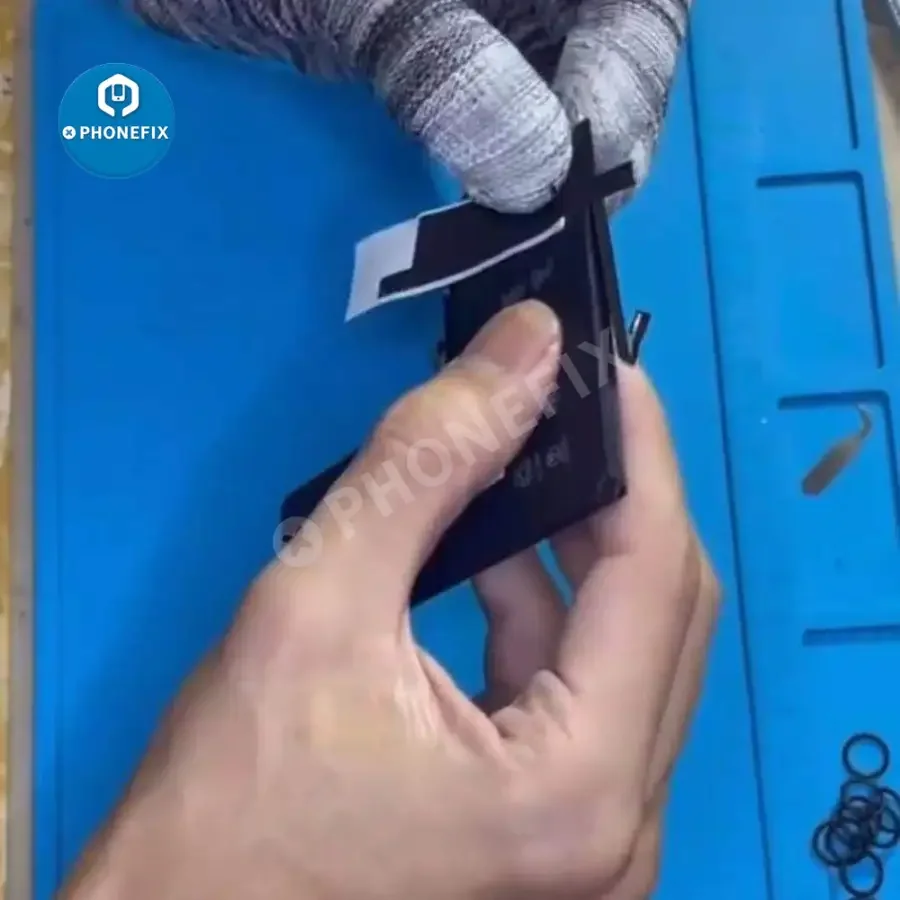
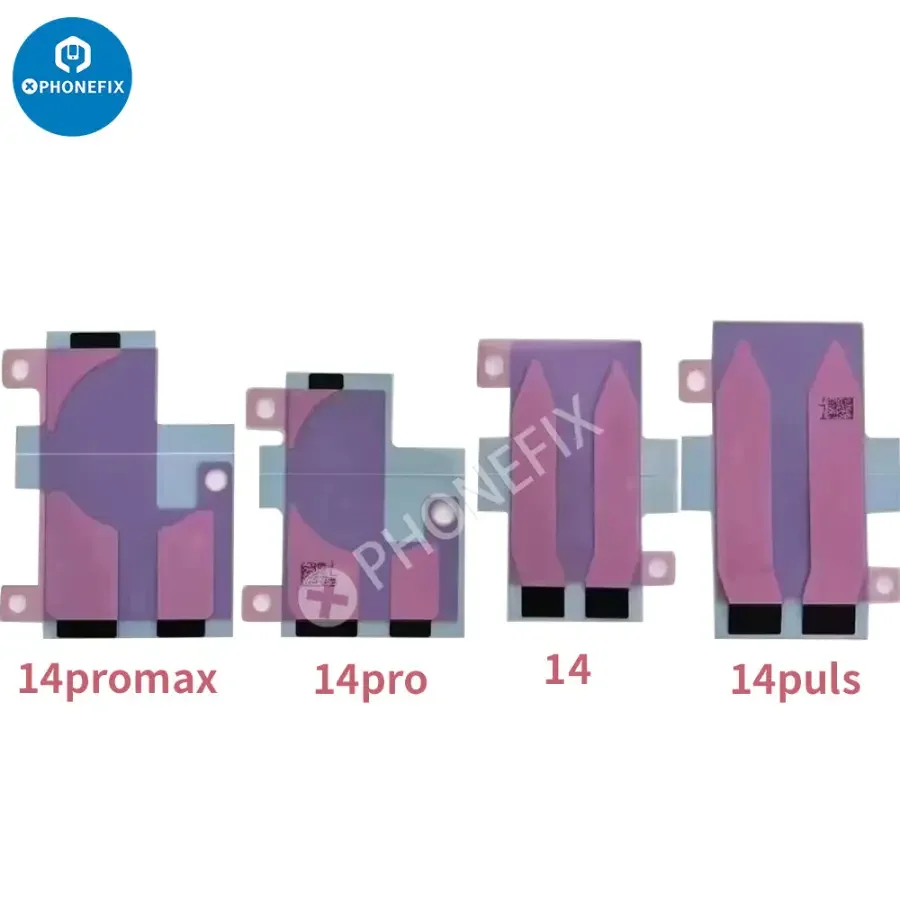
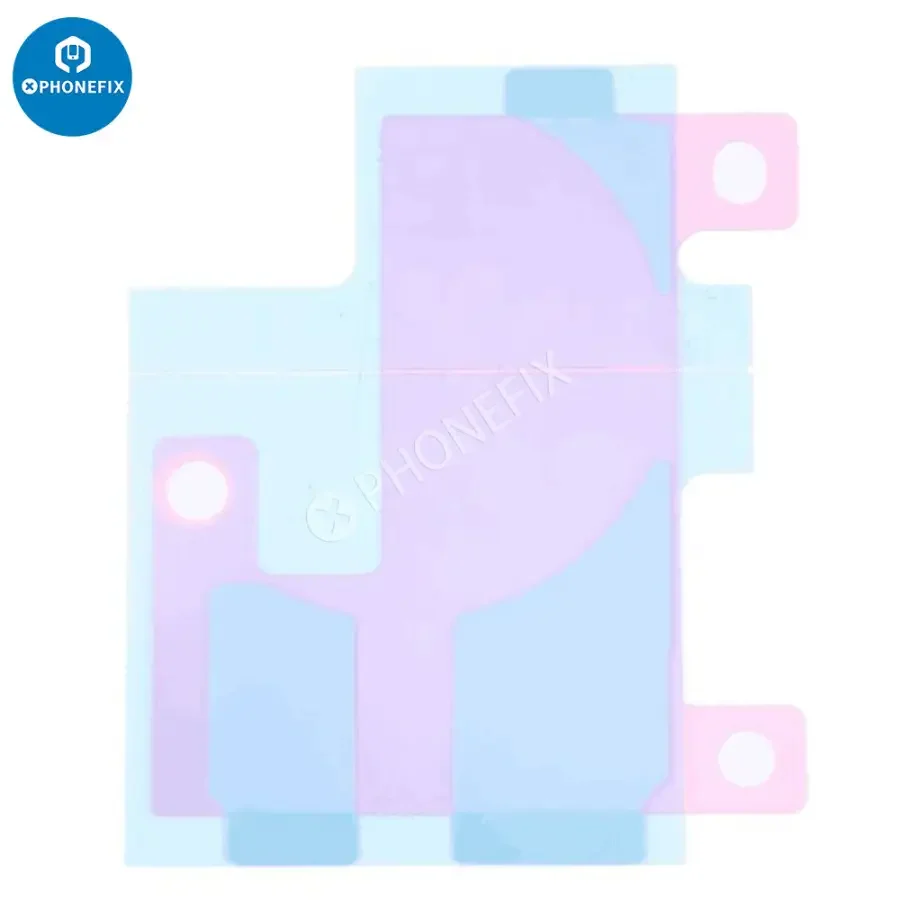
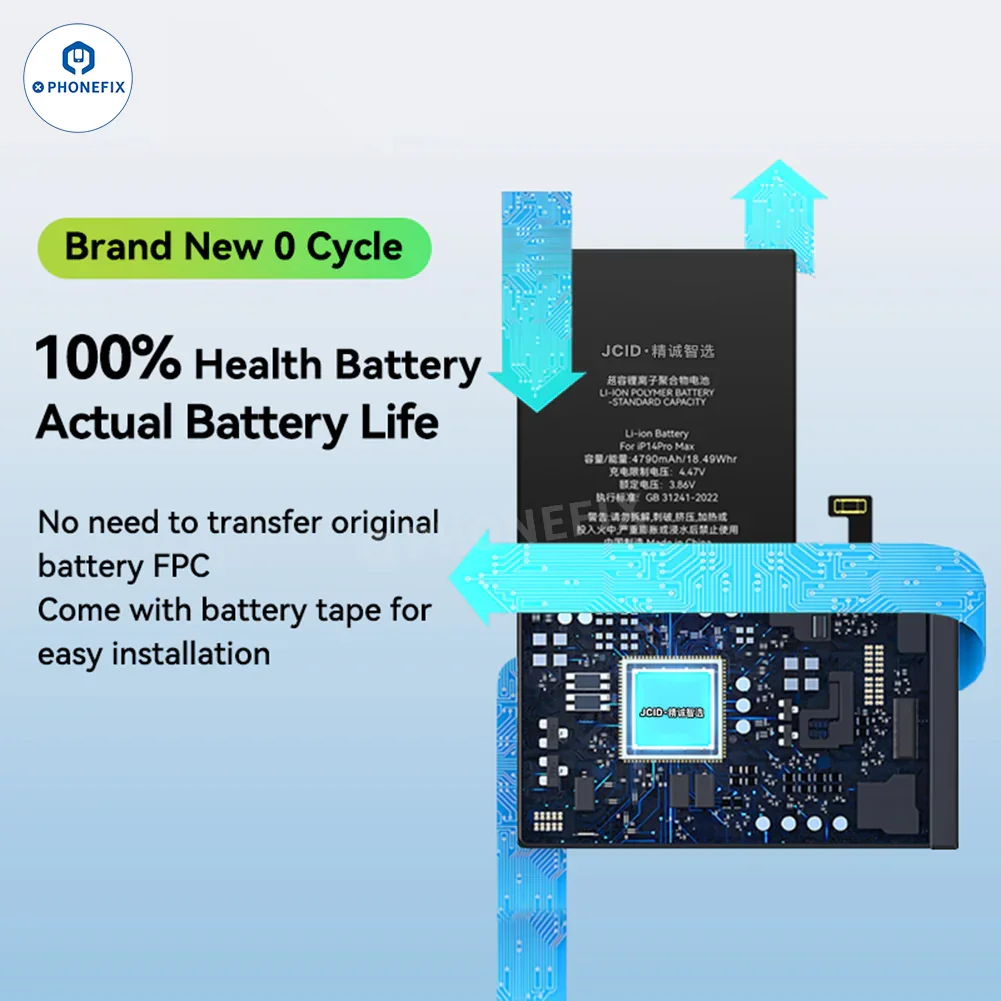
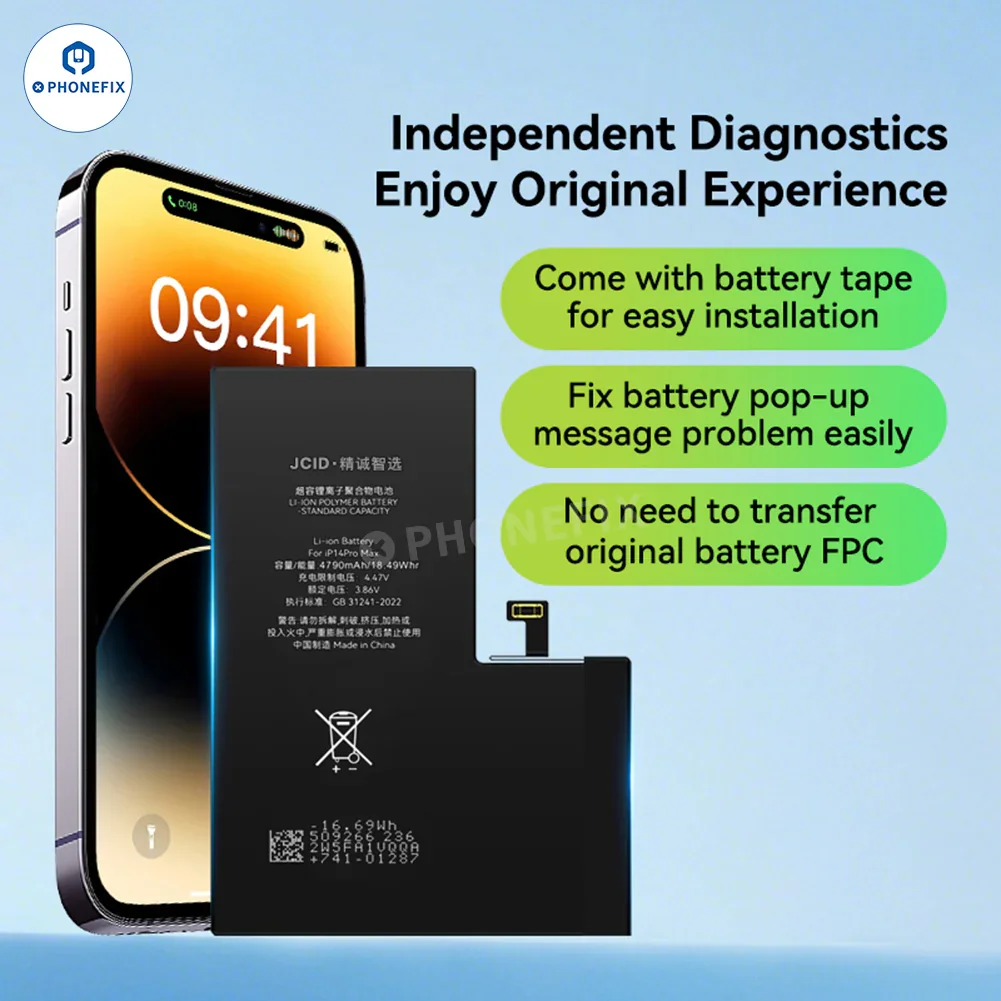
5. Brand new 0 cycle, 100% health batter, actual battery life. No need to transfer original battery FPC, come with battery tape for easy installation.
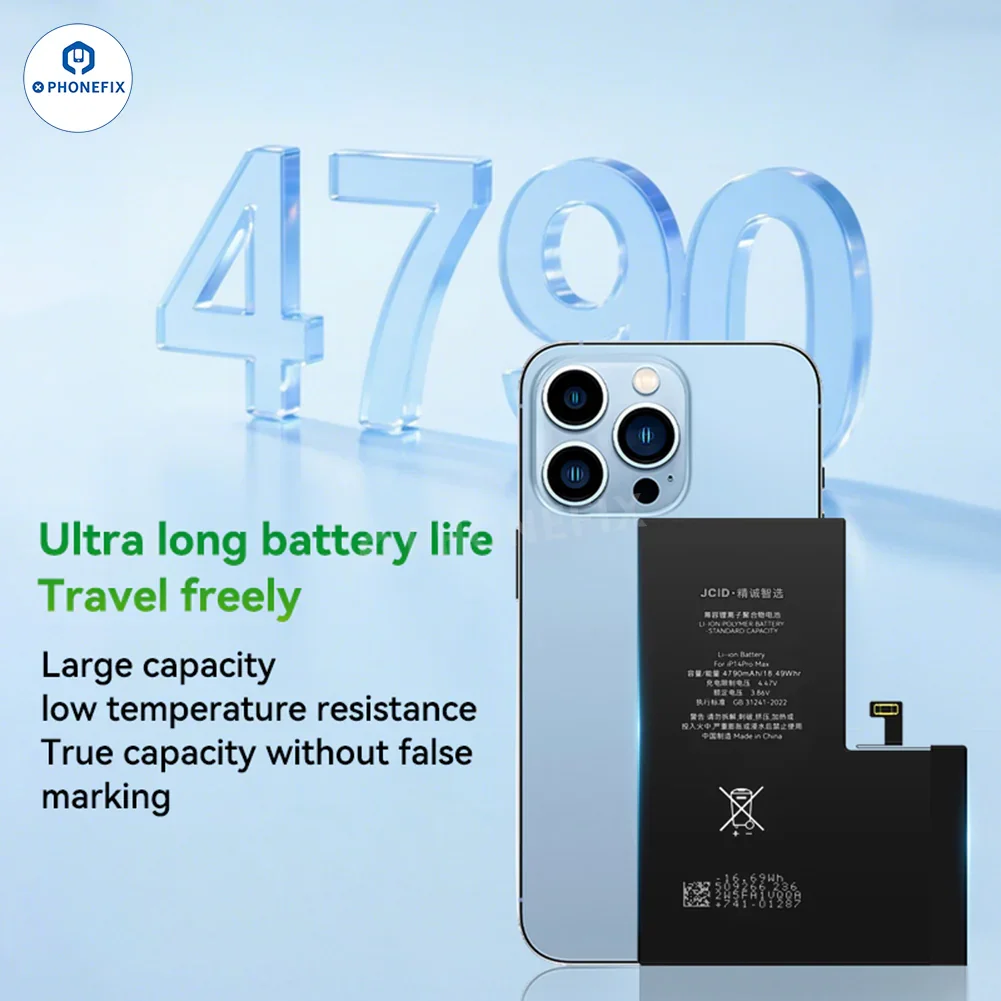
6. Ultra long battery life, travel freely large capacity low temperature resistance. True capacity without false marking.
Option:
1. JCID iPhone 12 Mini Diagnostic Battery Assembly.
2. JCID iPhone 12/12 Pro Diagnostic Battery Assembly.
3. JCID iPhone 12 Pro Max Diagnostic Battery Assembly.
4. JCID iPhone 13 Mini Diagnostic Battery Assembly.
5. JCID iPhone 13 Diagnostic Battery Assembly.
6. JCID iPhone 13 Pro Diagnostic Battery Assembly.
7. JCID iPhone 13 Pro Max Diagnostic Battery Assembly.
8. JCID iPhone 14 Diagnostic Battery Assembly.
9. JCID iPhone 14 Plus Diagnostic Battery Assembly.
10. JCID iPhone 14 Pro Diagnostic Battery Assembly.
11. JCID iPhone 14 Pro Max Diagnostic Battery Assembly.
Please note that batteries can only be shipped through special ways, and the actual shipping cost will be based on the final calculation by the courier company.
JCID iPhone Diagnostic Battery Installation Guide:
1. Install the JCID diagnostic battery into your iPhone.
2. Turn on the iPhone.
3. Go to Settings, "Parts & Service History", there is a Pop-up Window. Click "Restart & Finish Repair".
4. When "Repair Assistant" appears on the screen, tap "Continue", then click "Agree" and continue, waiting for the diagnostics process to run.
5. When "Finish Repair" appears, the Battery will show as a genuine Apple part, click "Continue".
6. After the diagnostic process is complete, "Done" will appear, then restart the iPhone.
7. Go to Settings, Parts & Service, now there is no unknown part prompt (the battery will show as "used"), and the battery health data will show as 100% .
Product Parameters:
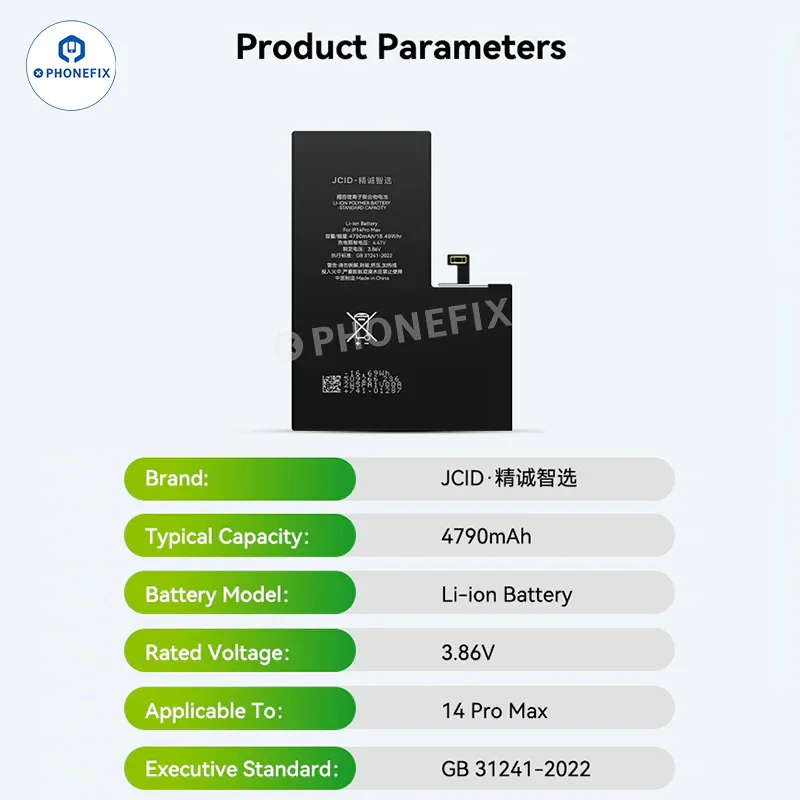
Brand: JCID
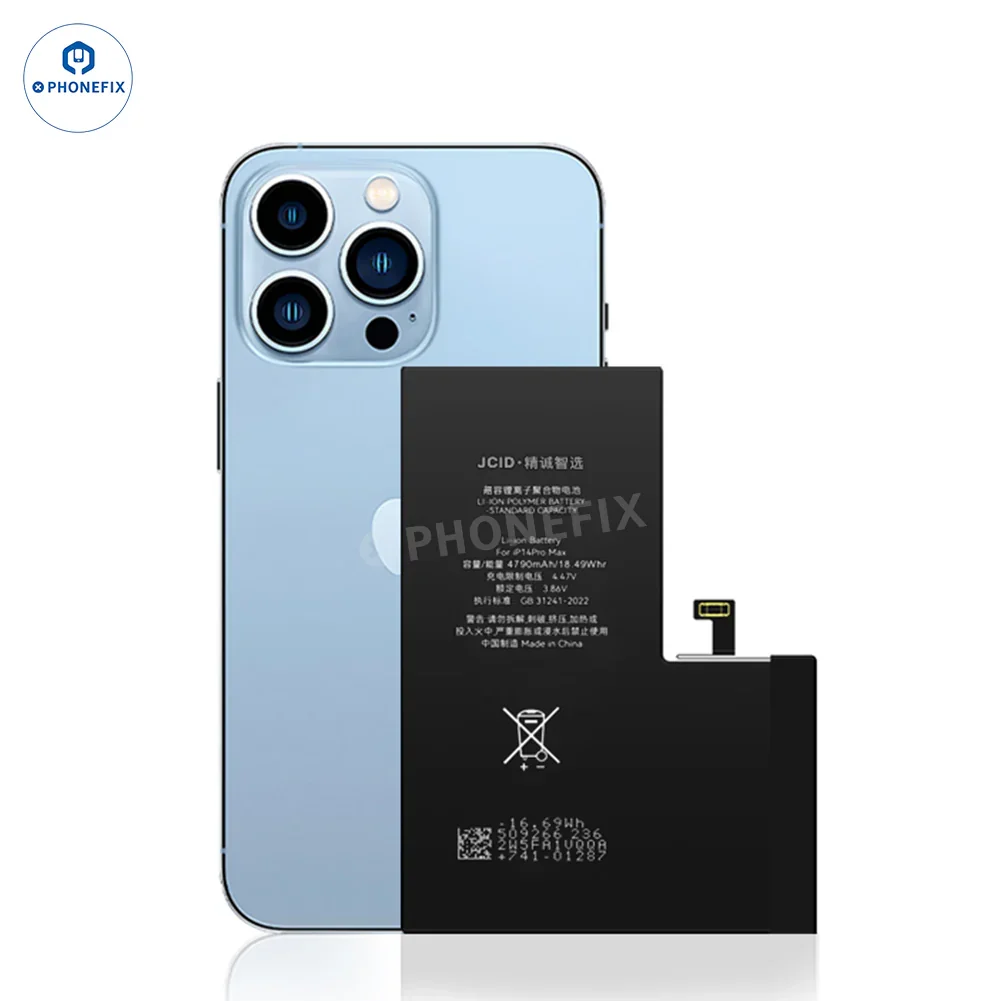
Typical Capacity: 4790mAh
Battery Model: Li-ion Battery
Rated Voltage: 3.86V
Applicable To: 14 Pro Max
Executive Standard: GB 31241-2022
Original: $12.59
-65%$12.59
$4.41More Images
JCID iPhone 12-15 Self-Diagnostic Battery No Original FPC Transfer
Features:
1. Travel freely and enjoy stable and efficient power support at any time. Say goodbye to battery anxiety, enjoy games without worries, make calls for a long time, and watch TV shows without worries.
2. Battery health display, no pop-up window, 365-day warranty for branded batteries. Quality assurance, no adapter required, no pop-up window, and full support for PD fast charging.
3. Speak With Authority, Trustworthy Quality Passed through various inspection standards of safety and quality institutions.
4. Upgraded dual-core intelligent temperature control, not easy to heat up, no fear of severe cold.
5. Brand new 0 cycle, 100% health batter, actual battery life. No need to transfer original battery FPC, come with battery tape for easy installation.
6. Ultra long battery life, travel freely large capacity low temperature resistance. True capacity without false marking.
Option:
1. JCID iPhone 12 Mini Diagnostic Battery Assembly.
2. JCID iPhone 12/12 Pro Diagnostic Battery Assembly.
3. JCID iPhone 12 Pro Max Diagnostic Battery Assembly.
4. JCID iPhone 13 Mini Diagnostic Battery Assembly.
5. JCID iPhone 13 Diagnostic Battery Assembly.
6. JCID iPhone 13 Pro Diagnostic Battery Assembly.
7. JCID iPhone 13 Pro Max Diagnostic Battery Assembly.
8. JCID iPhone 14 Diagnostic Battery Assembly.
9. JCID iPhone 14 Plus Diagnostic Battery Assembly.
10. JCID iPhone 14 Pro Diagnostic Battery Assembly.
11. JCID iPhone 14 Pro Max Diagnostic Battery Assembly.
Please note that batteries can only be shipped through special ways, and the actual shipping cost will be based on the final calculation by the courier company.
JCID iPhone Diagnostic Battery Installation Guide:
1. Install the JCID diagnostic battery into your iPhone.
2. Turn on the iPhone.
3. Go to Settings, "Parts & Service History", there is a Pop-up Window. Click "Restart & Finish Repair".
4. When "Repair Assistant" appears on the screen, tap "Continue", then click "Agree" and continue, waiting for the diagnostics process to run.
5. When "Finish Repair" appears, the Battery will show as a genuine Apple part, click "Continue".
6. After the diagnostic process is complete, "Done" will appear, then restart the iPhone.
7. Go to Settings, Parts & Service, now there is no unknown part prompt (the battery will show as "used"), and the battery health data will show as 100% .
Product Parameters:
Brand: JCID
Typical Capacity: 4790mAh
Battery Model: Li-ion Battery
Rated Voltage: 3.86V
Applicable To: 14 Pro Max
Executive Standard: GB 31241-2022
Product Information
Product Information
Shipping & Returns
Shipping & Returns
Description
Features:
1. Travel freely and enjoy stable and efficient power support at any time. Say goodbye to battery anxiety, enjoy games without worries, make calls for a long time, and watch TV shows without worries.
2. Battery health display, no pop-up window, 365-day warranty for branded batteries. Quality assurance, no adapter required, no pop-up window, and full support for PD fast charging.
3. Speak With Authority, Trustworthy Quality Passed through various inspection standards of safety and quality institutions.
4. Upgraded dual-core intelligent temperature control, not easy to heat up, no fear of severe cold.
5. Brand new 0 cycle, 100% health batter, actual battery life. No need to transfer original battery FPC, come with battery tape for easy installation.
6. Ultra long battery life, travel freely large capacity low temperature resistance. True capacity without false marking.
Option:
1. JCID iPhone 12 Mini Diagnostic Battery Assembly.
2. JCID iPhone 12/12 Pro Diagnostic Battery Assembly.
3. JCID iPhone 12 Pro Max Diagnostic Battery Assembly.
4. JCID iPhone 13 Mini Diagnostic Battery Assembly.
5. JCID iPhone 13 Diagnostic Battery Assembly.
6. JCID iPhone 13 Pro Diagnostic Battery Assembly.
7. JCID iPhone 13 Pro Max Diagnostic Battery Assembly.
8. JCID iPhone 14 Diagnostic Battery Assembly.
9. JCID iPhone 14 Plus Diagnostic Battery Assembly.
10. JCID iPhone 14 Pro Diagnostic Battery Assembly.
11. JCID iPhone 14 Pro Max Diagnostic Battery Assembly.
Please note that batteries can only be shipped through special ways, and the actual shipping cost will be based on the final calculation by the courier company.
JCID iPhone Diagnostic Battery Installation Guide:
1. Install the JCID diagnostic battery into your iPhone.
2. Turn on the iPhone.
3. Go to Settings, "Parts & Service History", there is a Pop-up Window. Click "Restart & Finish Repair".
4. When "Repair Assistant" appears on the screen, tap "Continue", then click "Agree" and continue, waiting for the diagnostics process to run.
5. When "Finish Repair" appears, the Battery will show as a genuine Apple part, click "Continue".
6. After the diagnostic process is complete, "Done" will appear, then restart the iPhone.
7. Go to Settings, Parts & Service, now there is no unknown part prompt (the battery will show as "used"), and the battery health data will show as 100% .
Product Parameters:
Brand: JCID
Typical Capacity: 4790mAh
Battery Model: Li-ion Battery
Rated Voltage: 3.86V
Applicable To: 14 Pro Max
Executive Standard: GB 31241-2022